Sale Price:
$2.99
Original Price:
$9.99
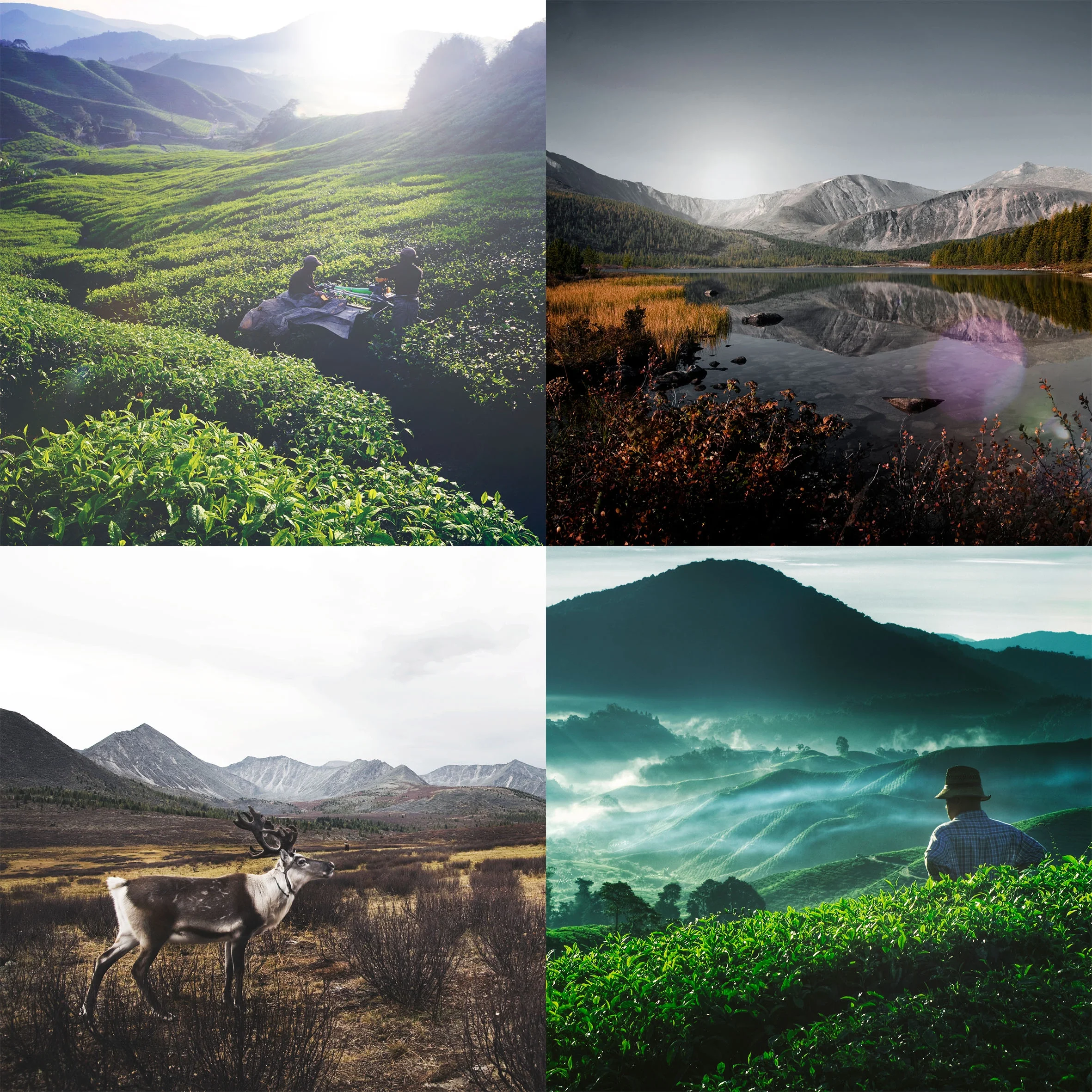
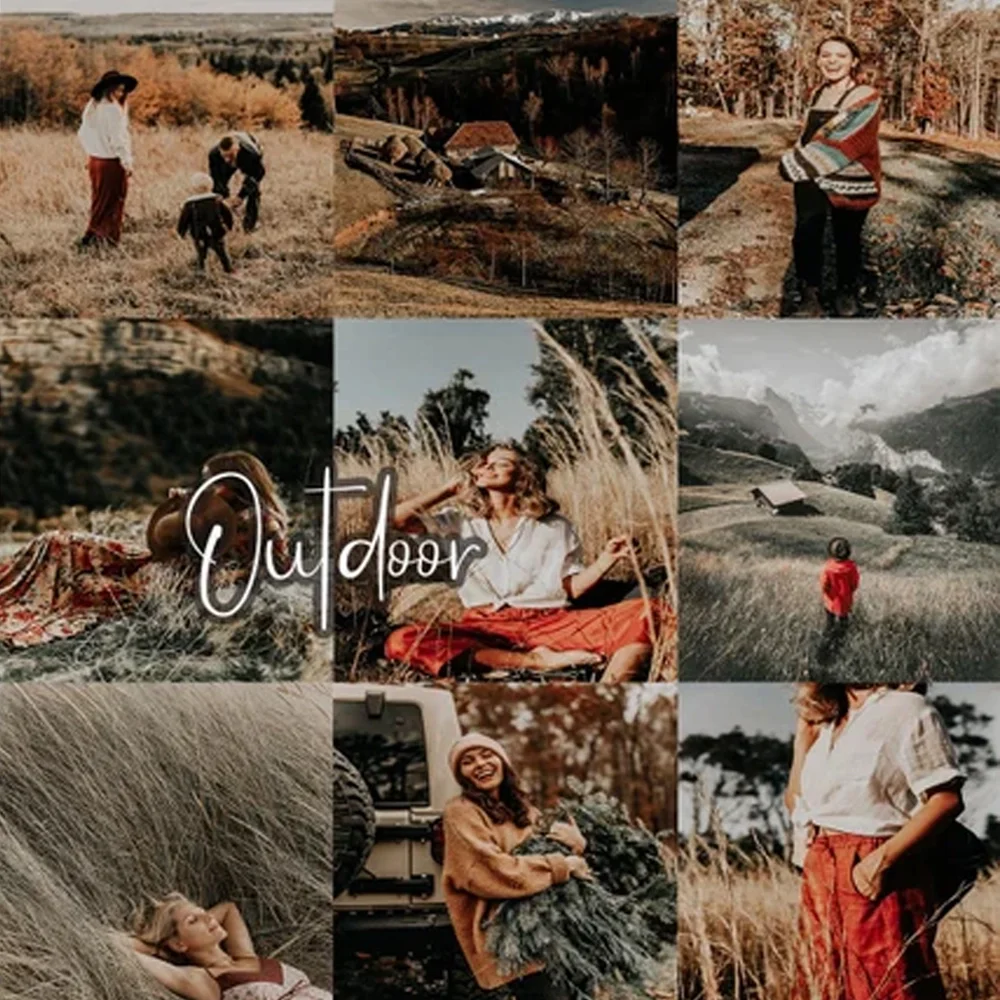
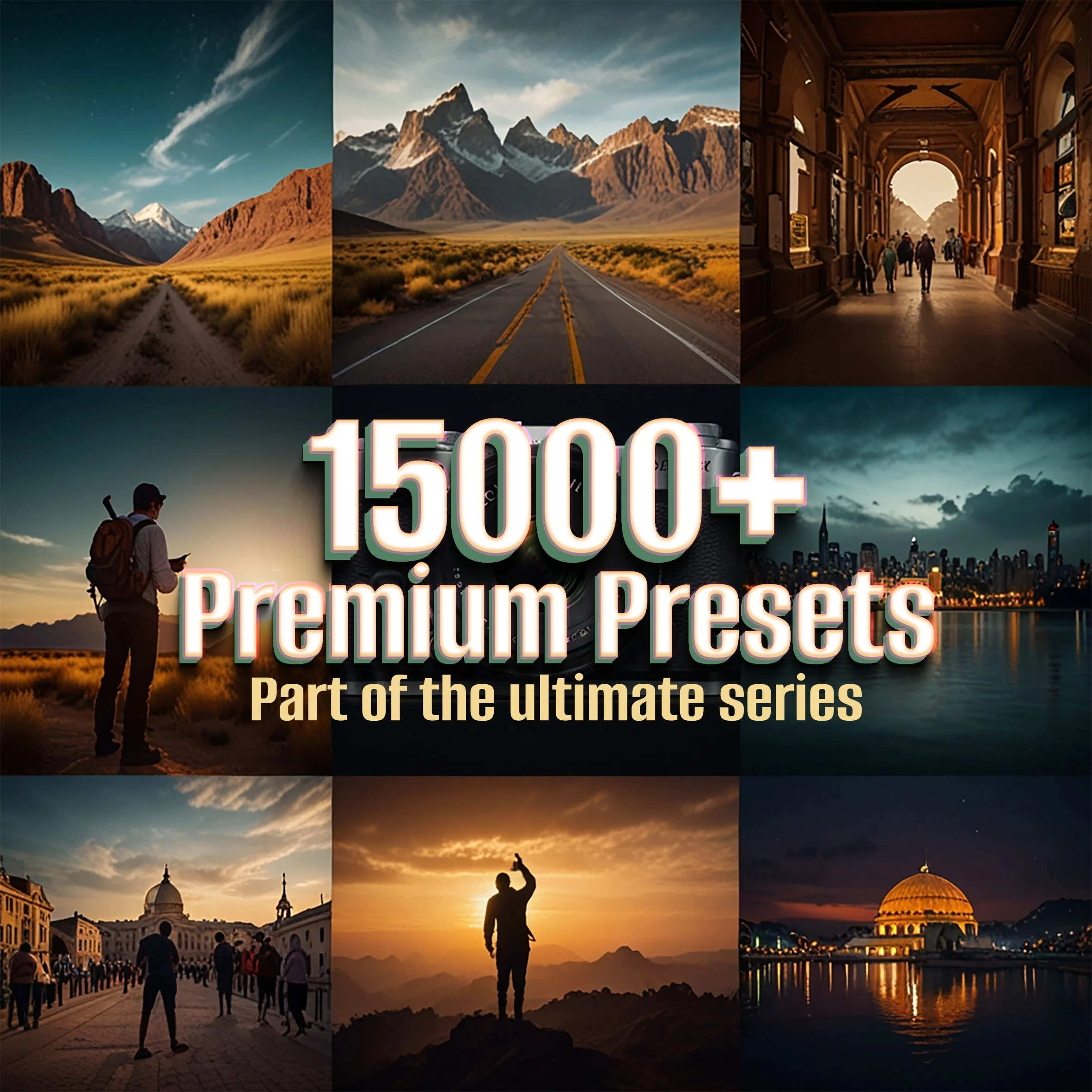
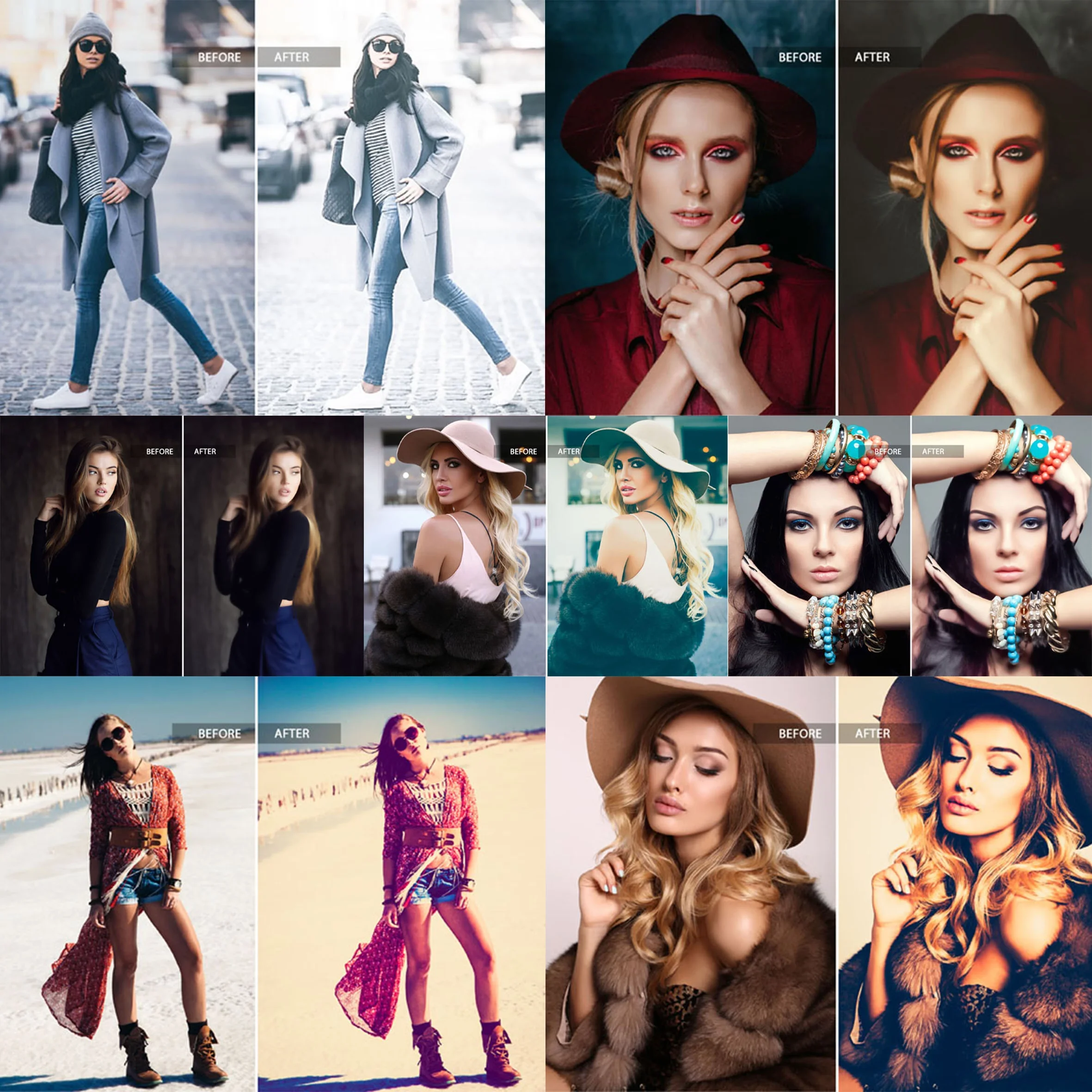
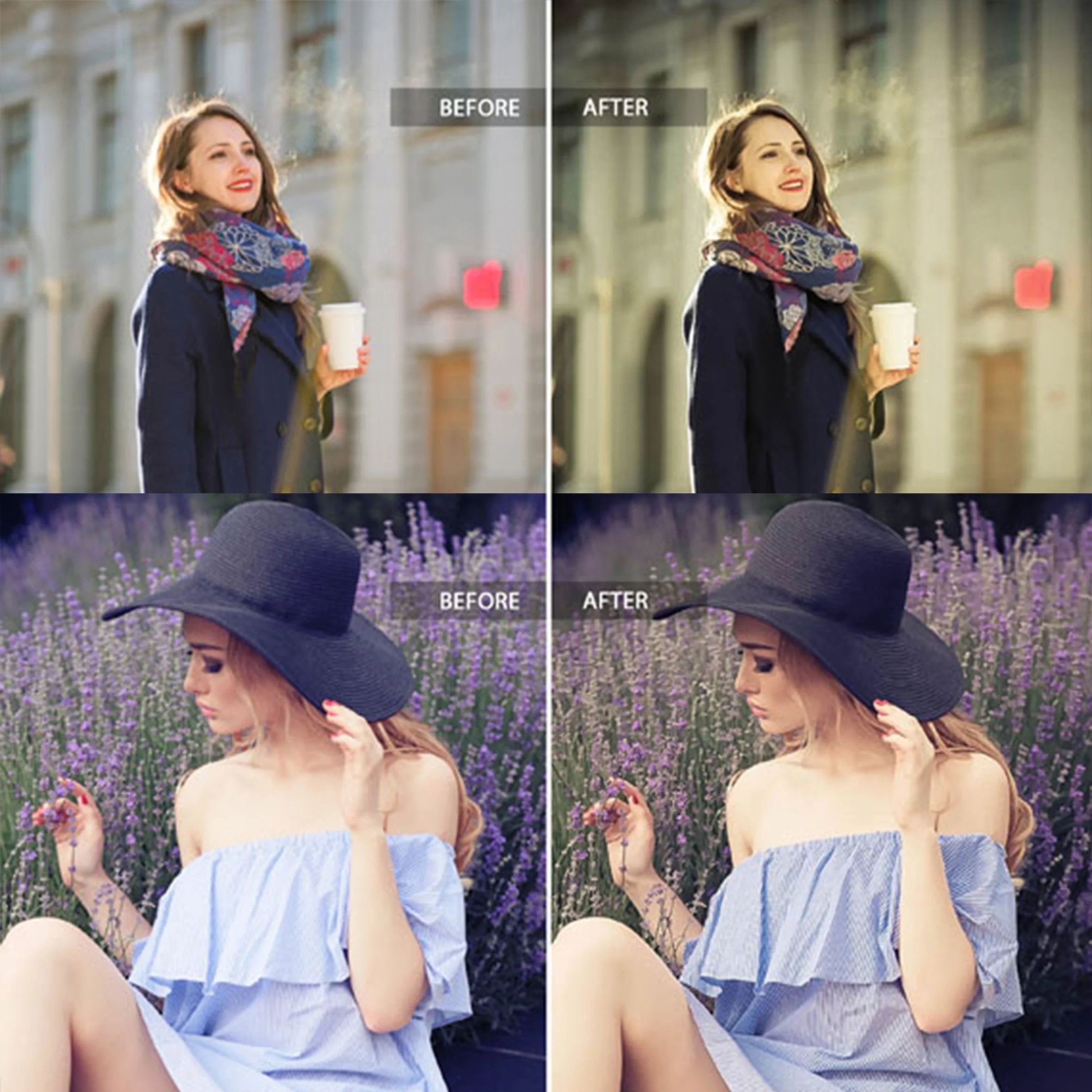
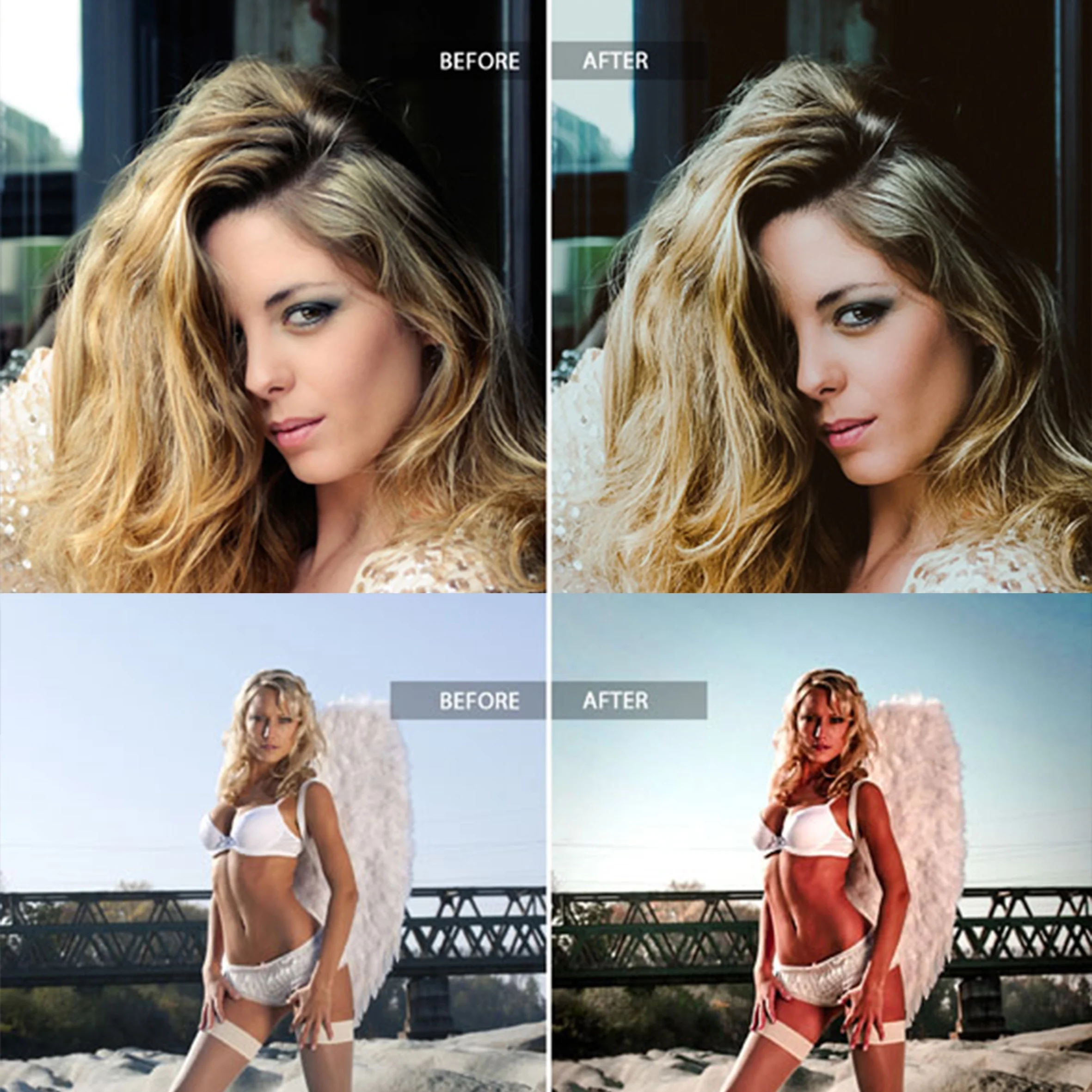
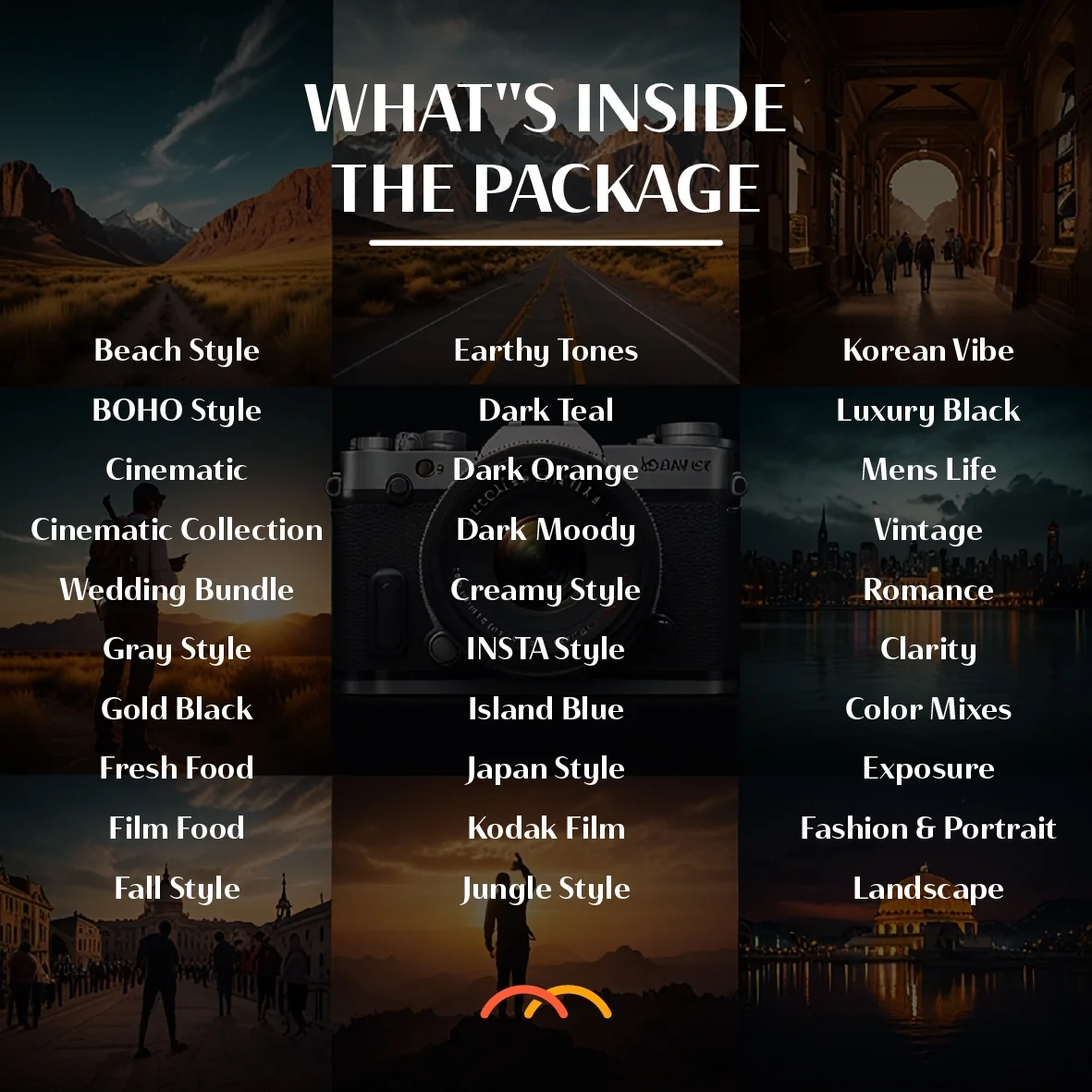
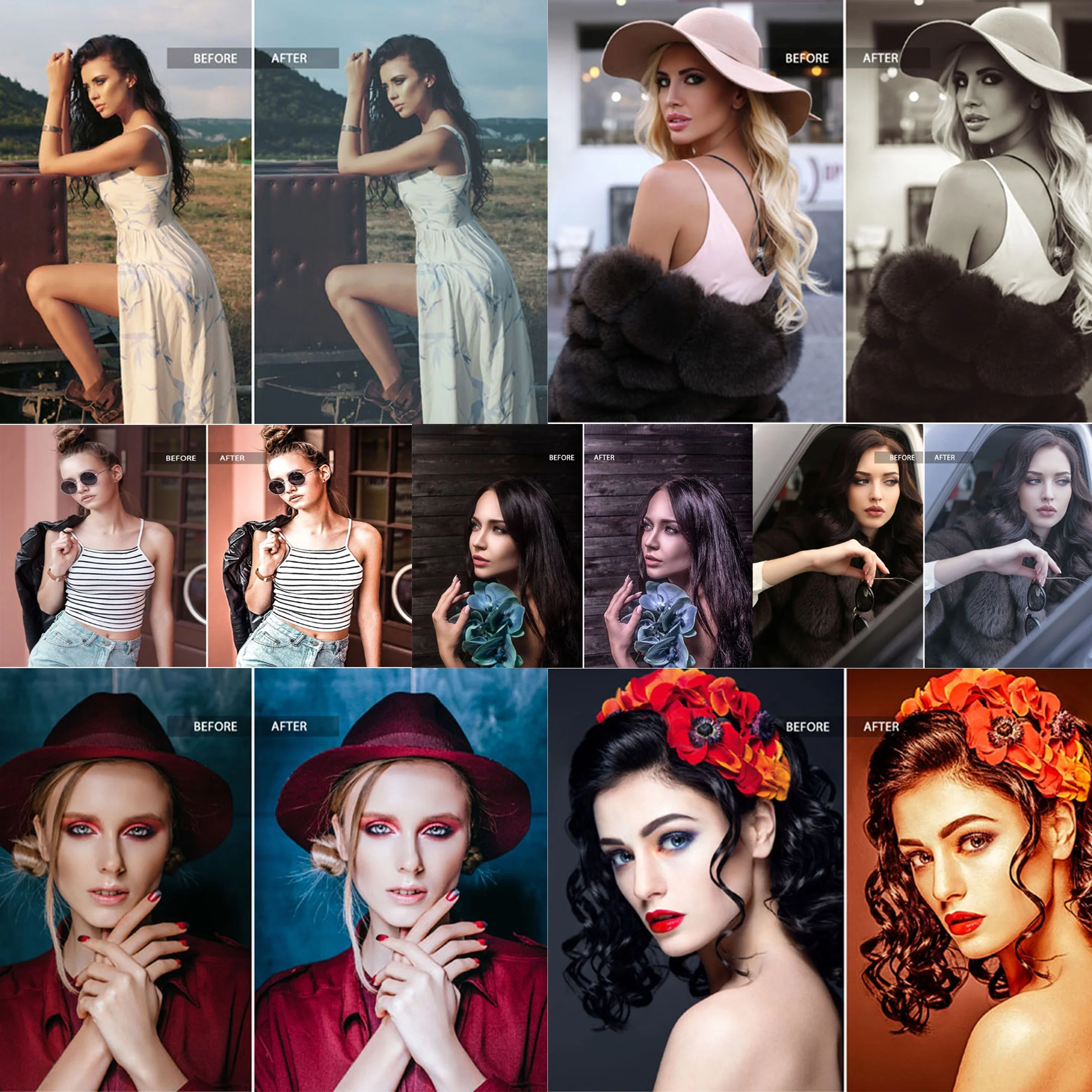
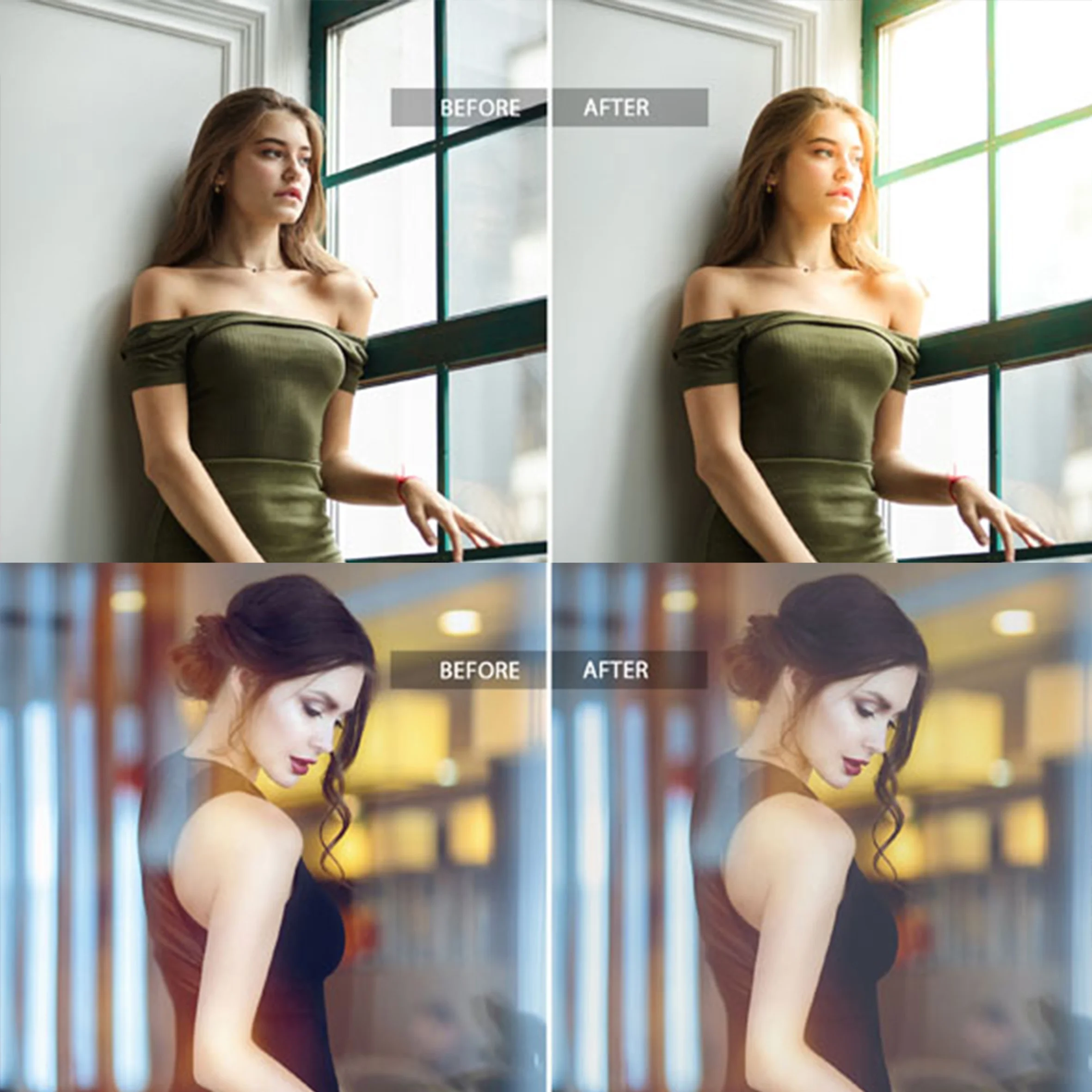
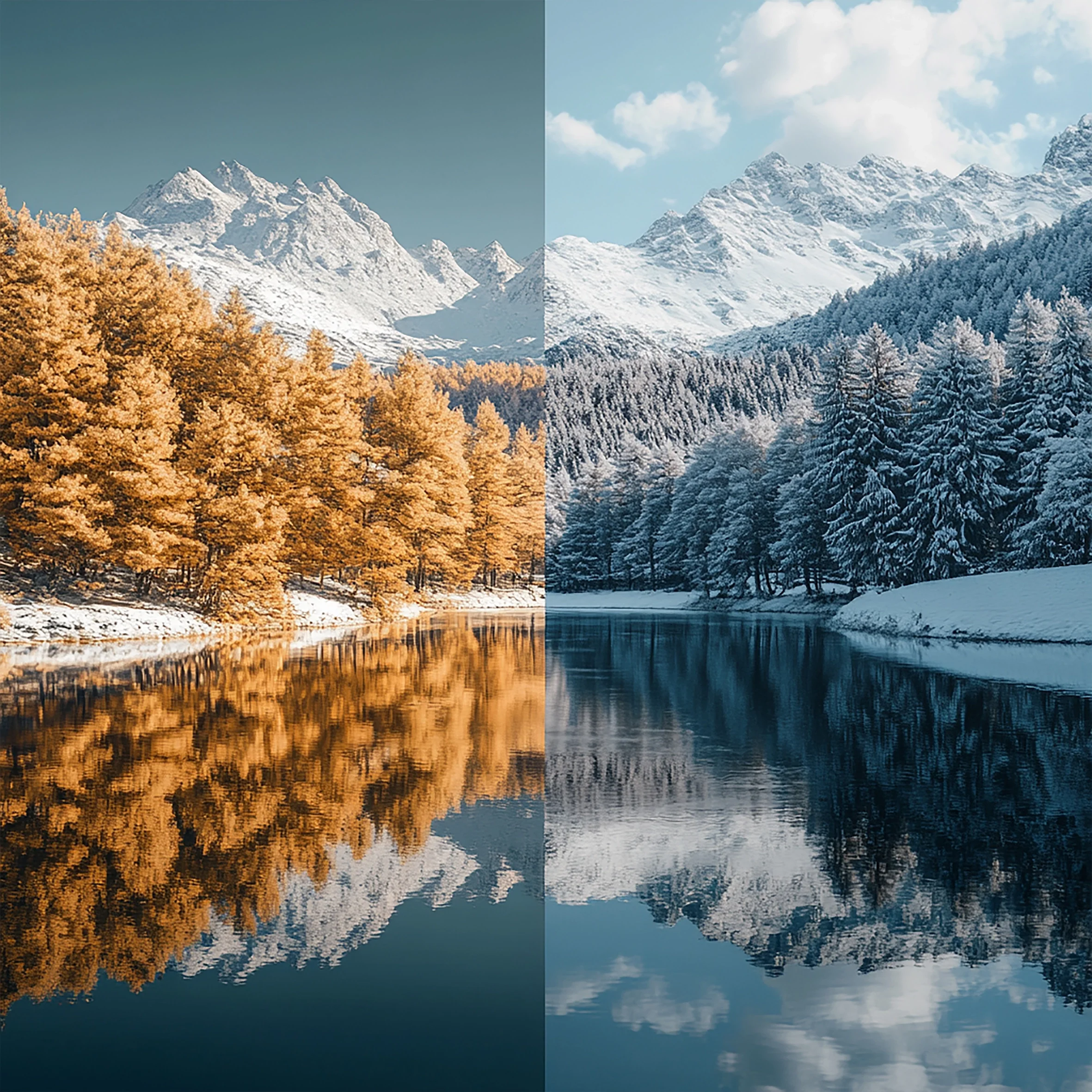
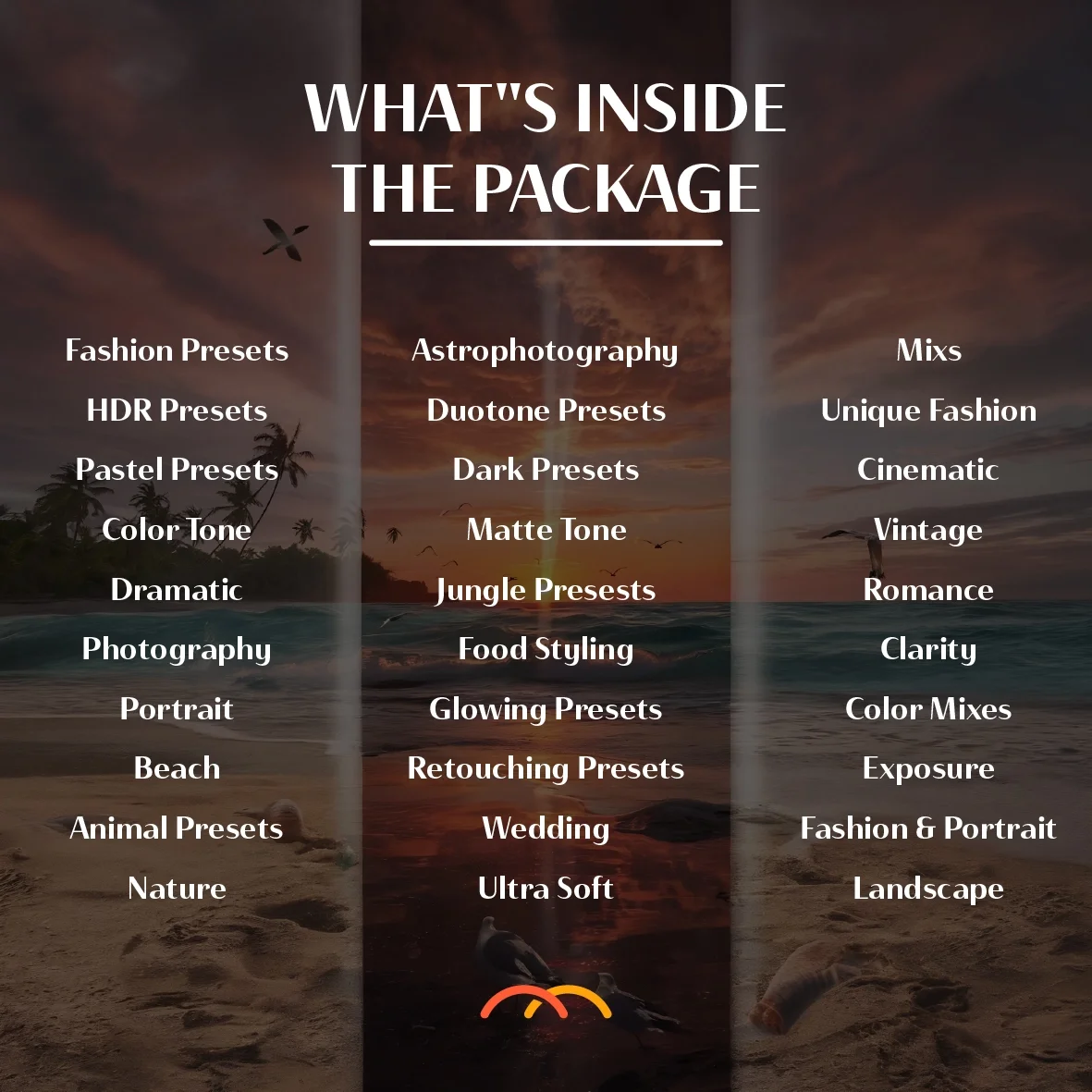
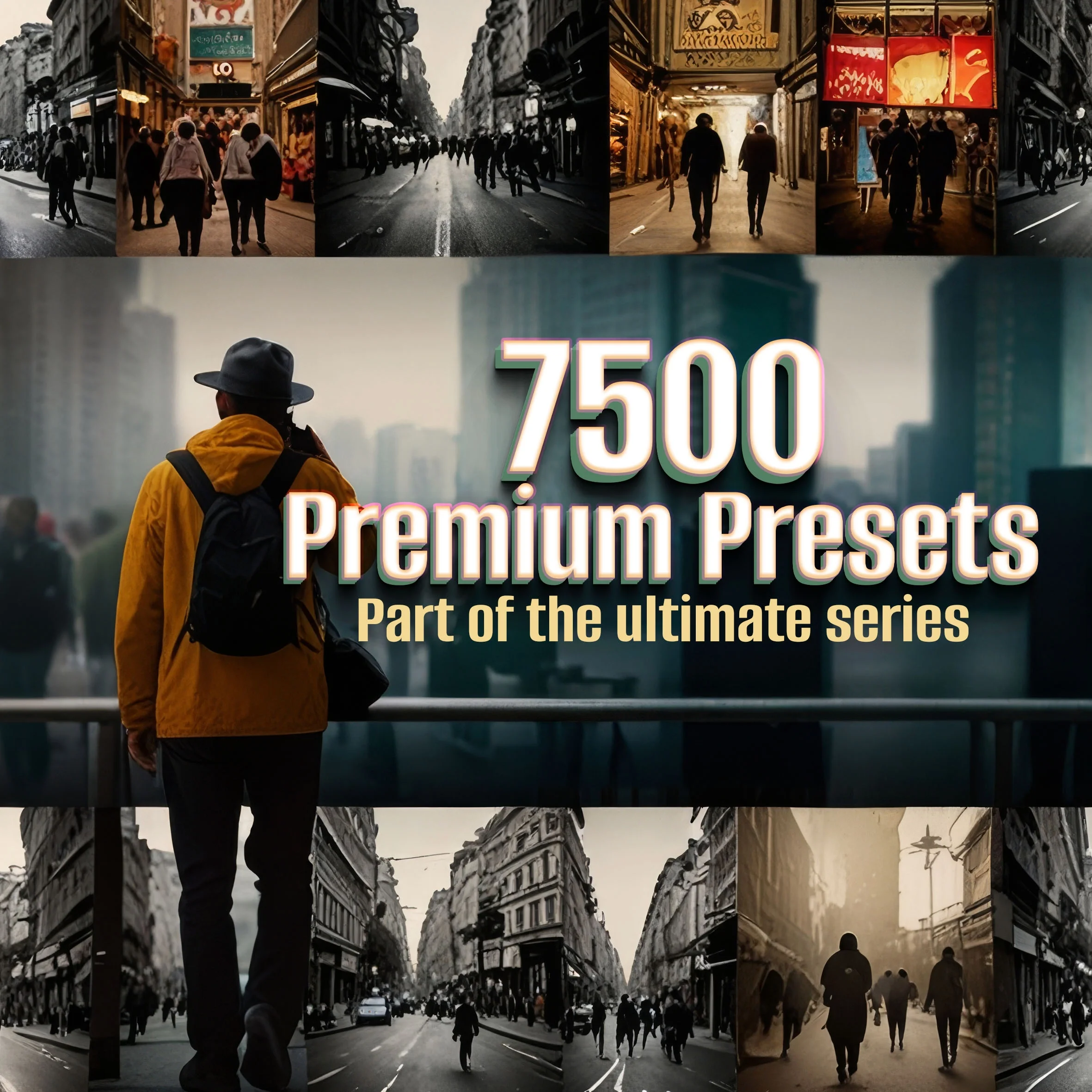
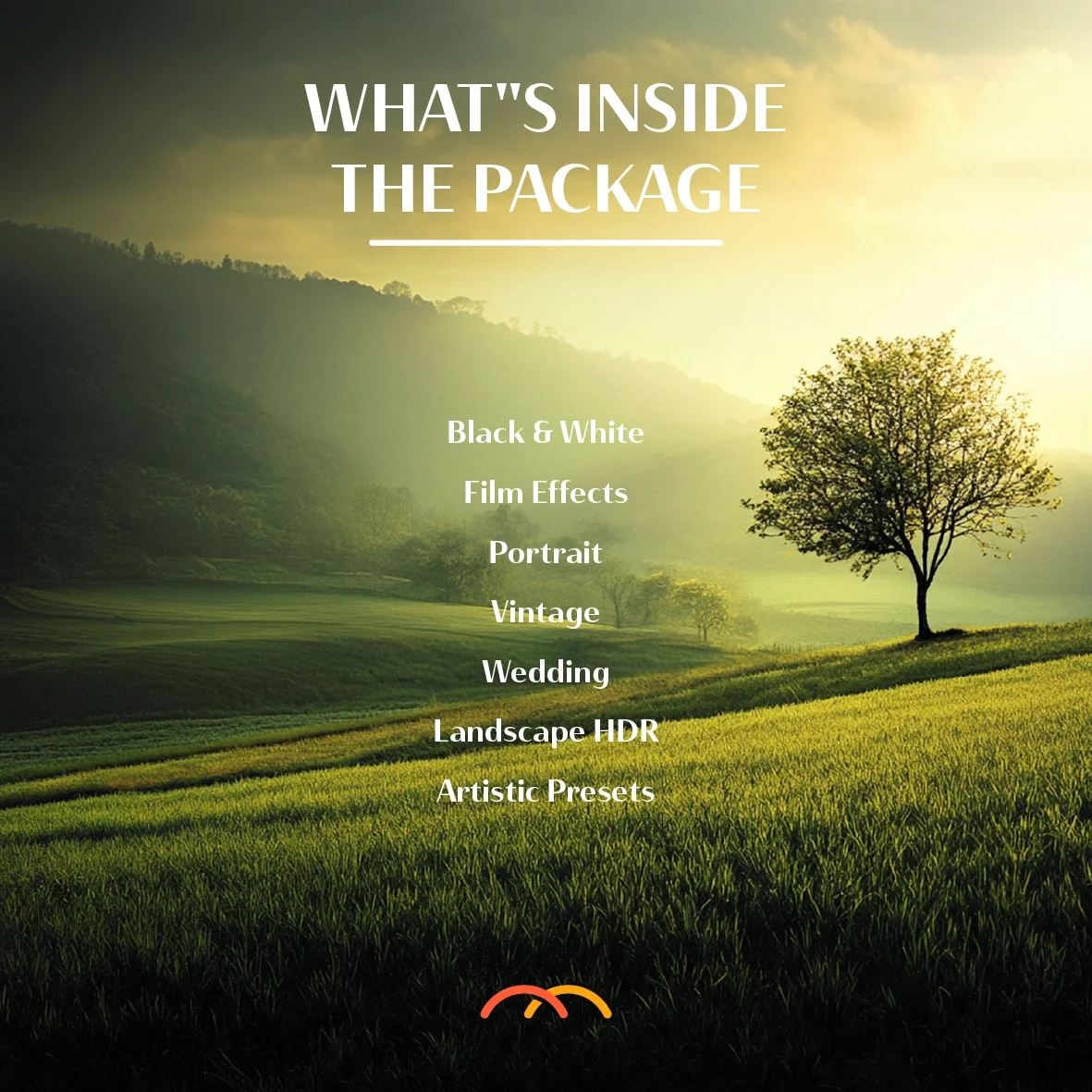
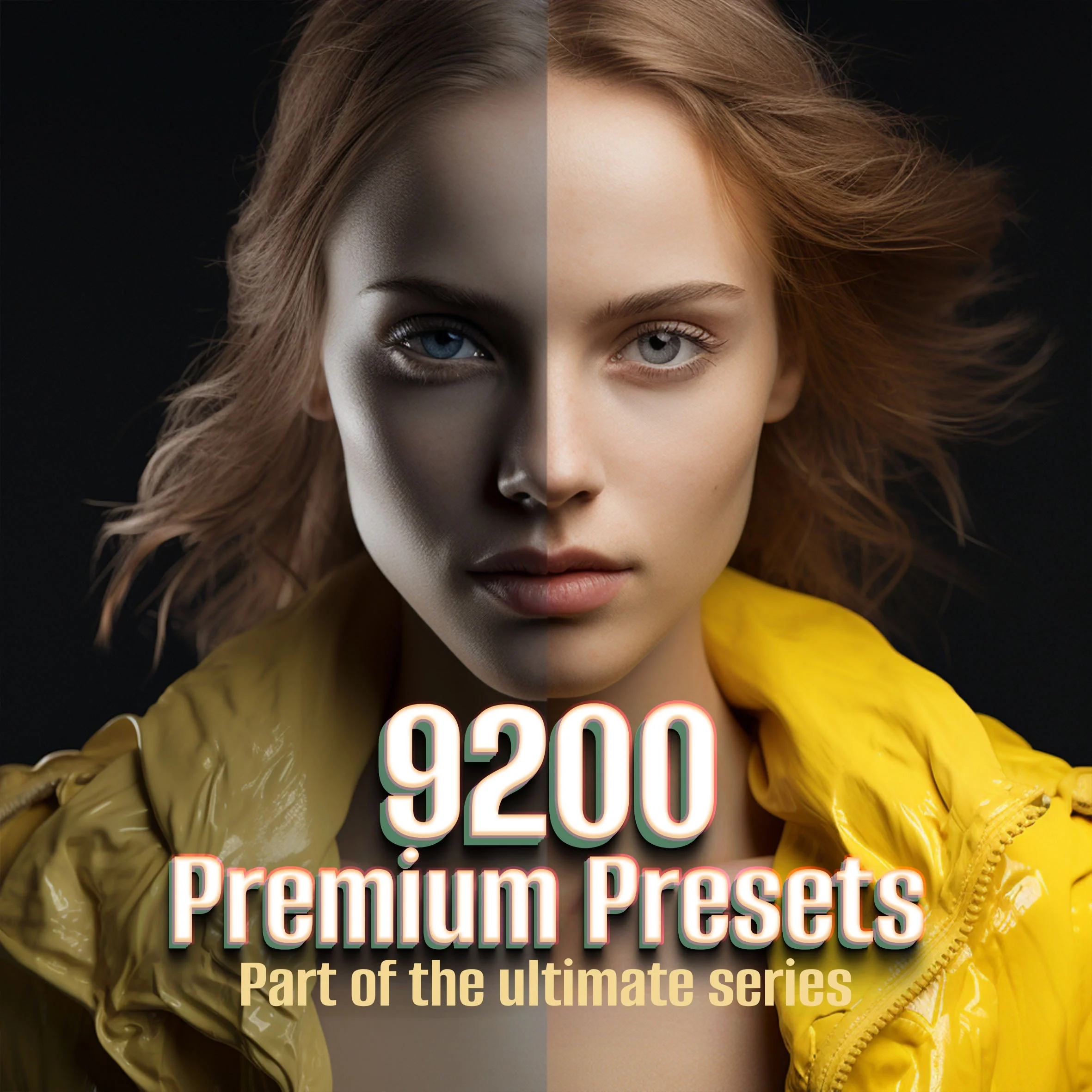
"Edit faster with 30,000+ advanced Lightroom presets for Desktop & Mobile. One-click looks for portraits, travel, weddings, film, moody, pastel, B&W, cinematic, and more. Presets are non-destructive and fully adjustable; folders are neatly organized so you can batch a whole shoot in minutes. Instant digital download.
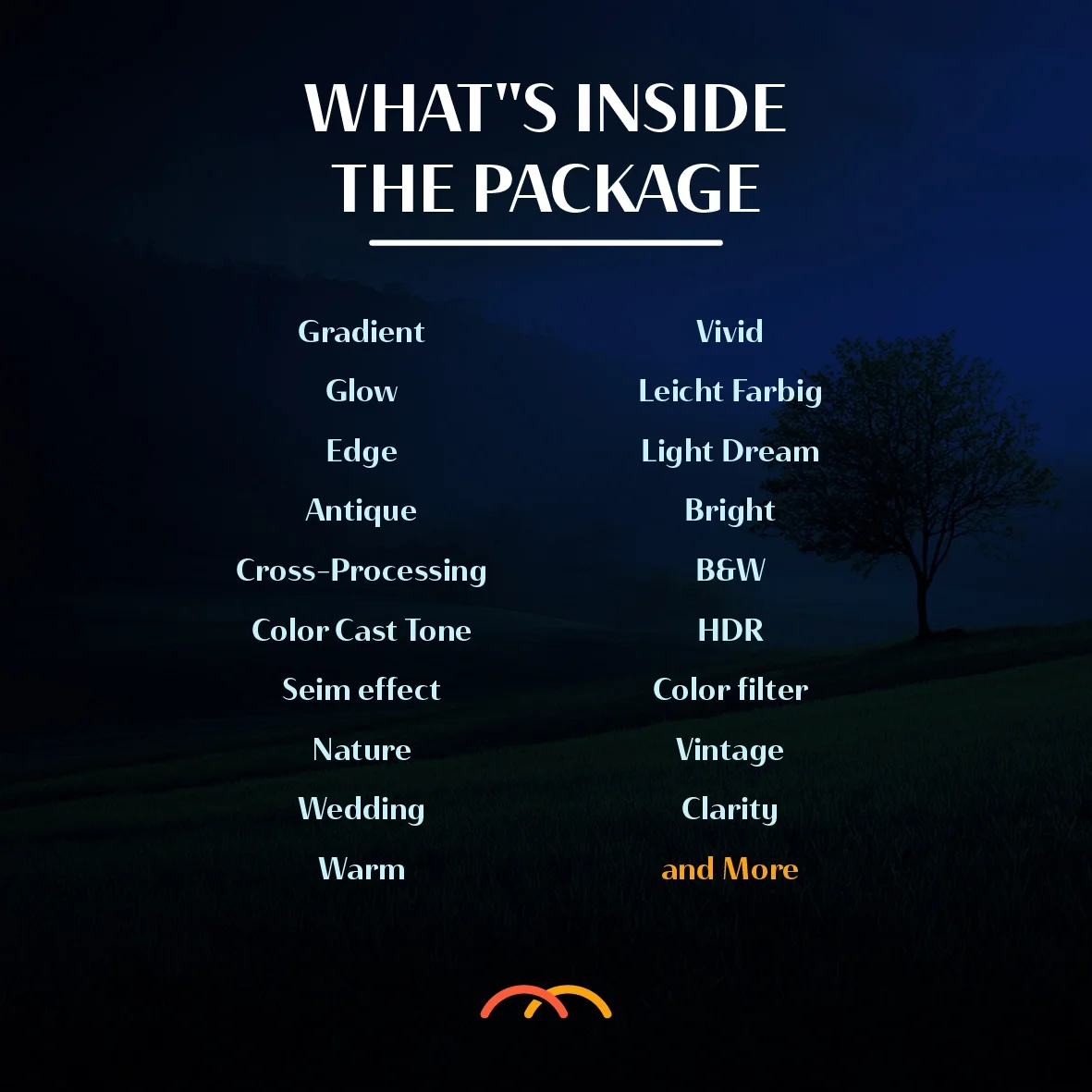
What’s included
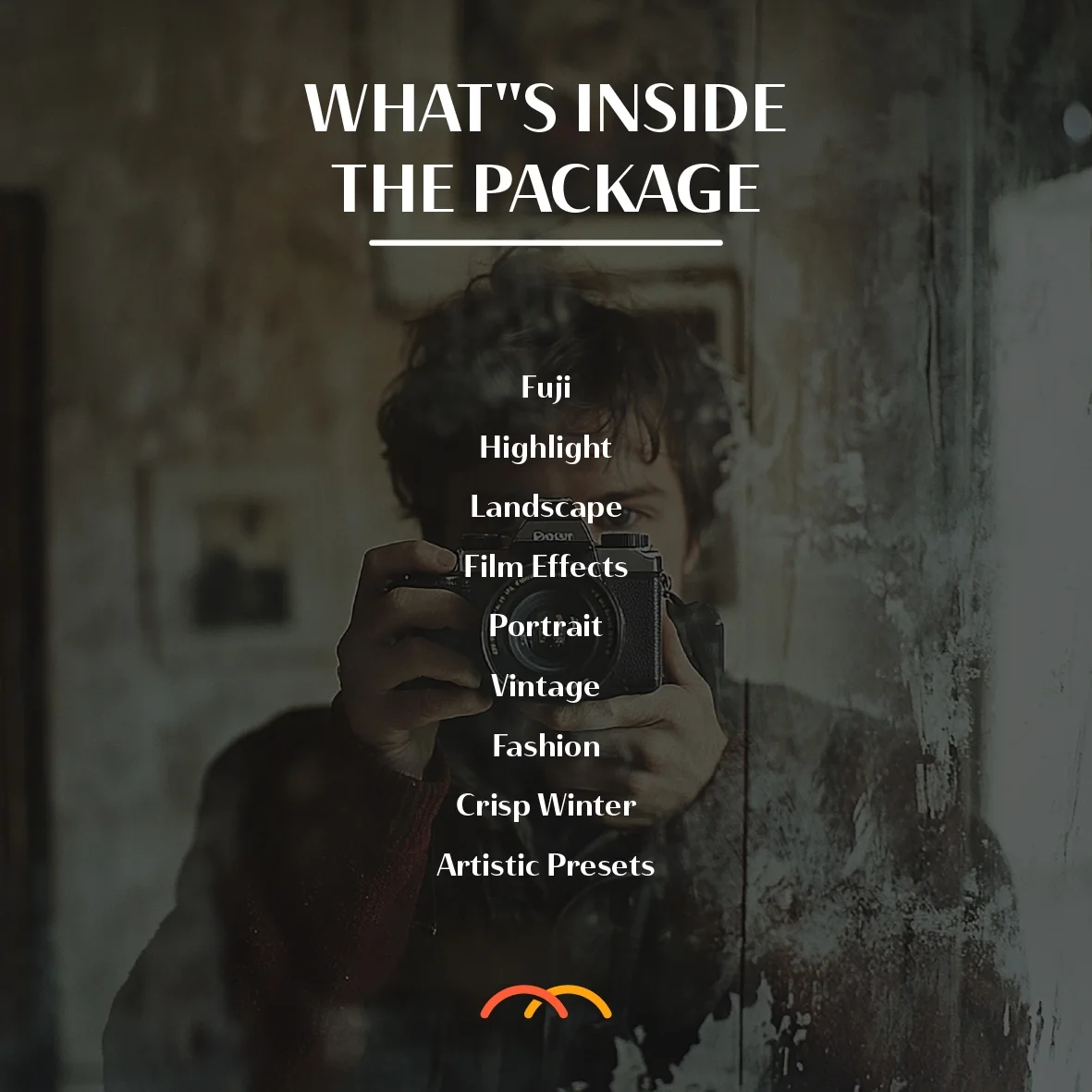
30K+ presets in themed folders
Formats: XMP (Lightroom Classic/CC) & DNG (Lightroom Mobile)
Quick install guide + basic FAQ
Compatibility
Adobe Lightroom Classic/CC (Mac/Win)
Lightroom Mobile (iOS/Android)
How to use
Import XMP/DNG files.
Apply a preset → tweak Exposure/White Balance.
Sync across photos for a consistent set.
Notes
Presets are a starting point; results vary by lighting/camera.
Digital files only—no physical item ships."
"Edit faster with 30,000+ advanced Lightroom presets for Desktop & Mobile. One-click looks for portraits, travel, weddings, film, moody, pastel, B&W, cinematic, and more. Presets are non-destructive and fully adjustable; folders are neatly organized so you can batch a whole shoot in minutes. Instant digital download.
What’s included
30K+ presets in themed folders
Formats: XMP (Lightroom Classic/CC) & DNG (Lightroom Mobile)
Quick install guide + basic FAQ
Compatibility
Adobe Lightroom Classic/CC (Mac/Win)
Lightroom Mobile (iOS/Android)
How to use
Import XMP/DNG files.
Apply a preset → tweak Exposure/White Balance.
Sync across photos for a consistent set.
Notes
Presets are a starting point; results vary by lighting/camera.
Digital files only—no physical item ships."


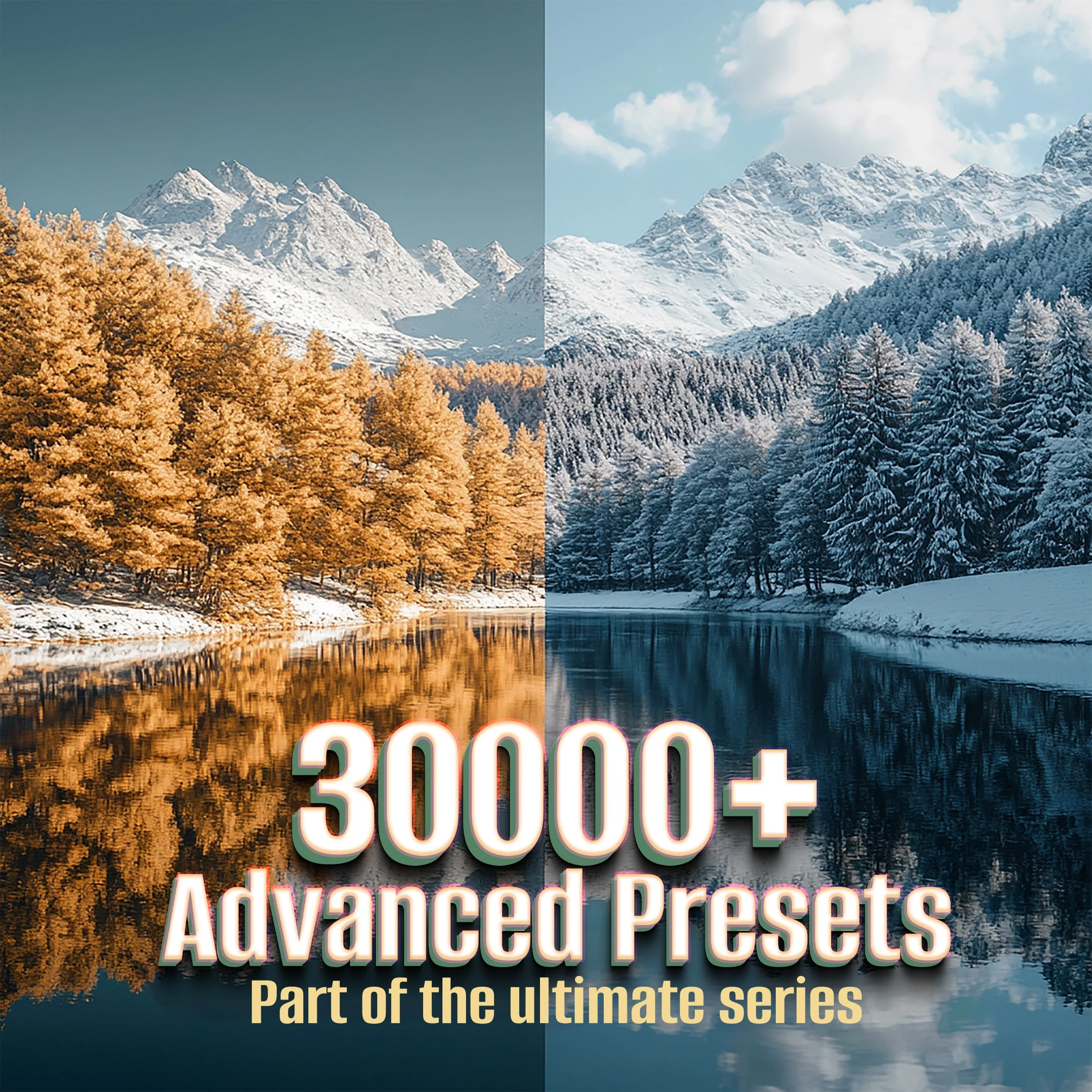 Image 1 of 12
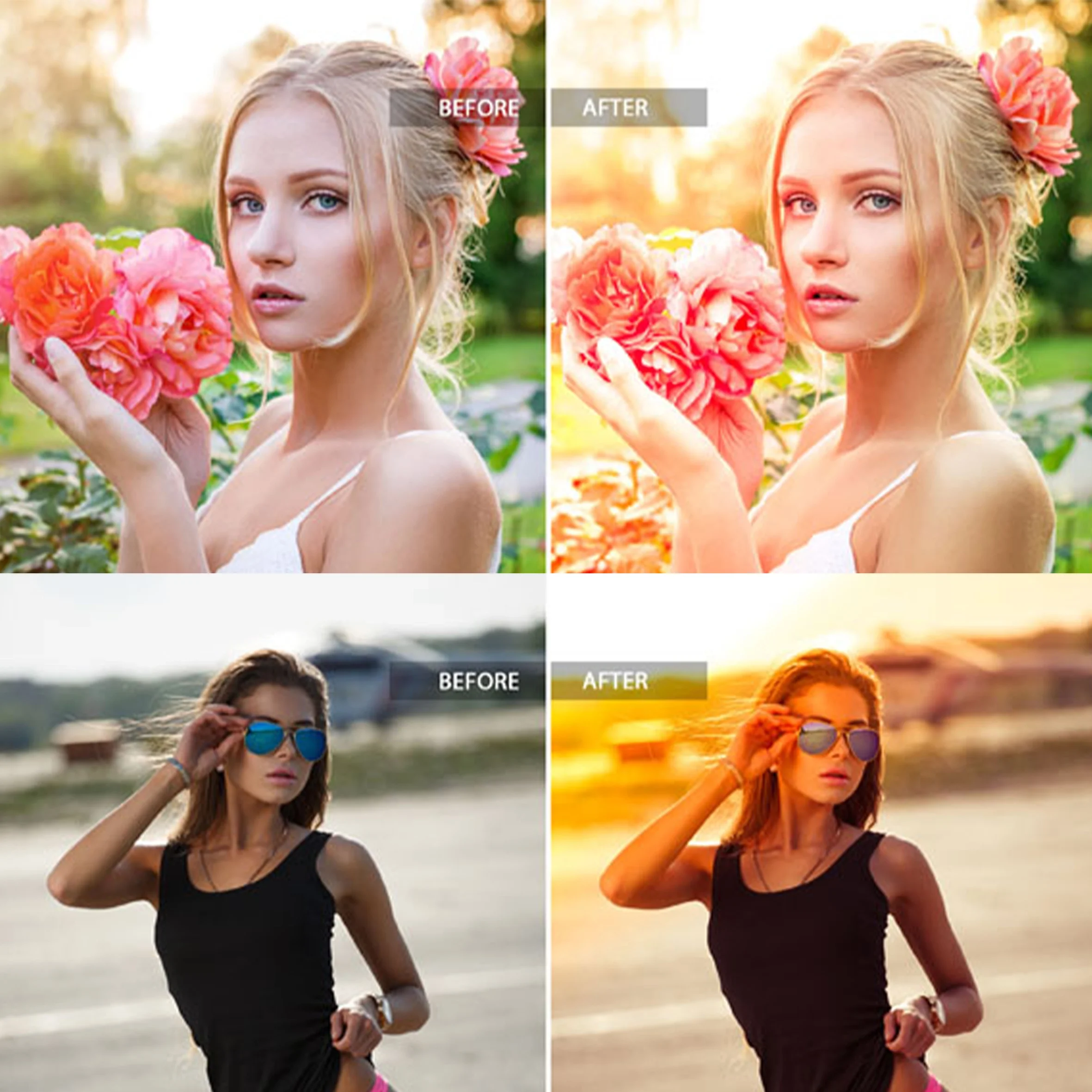 Image 2 of 12
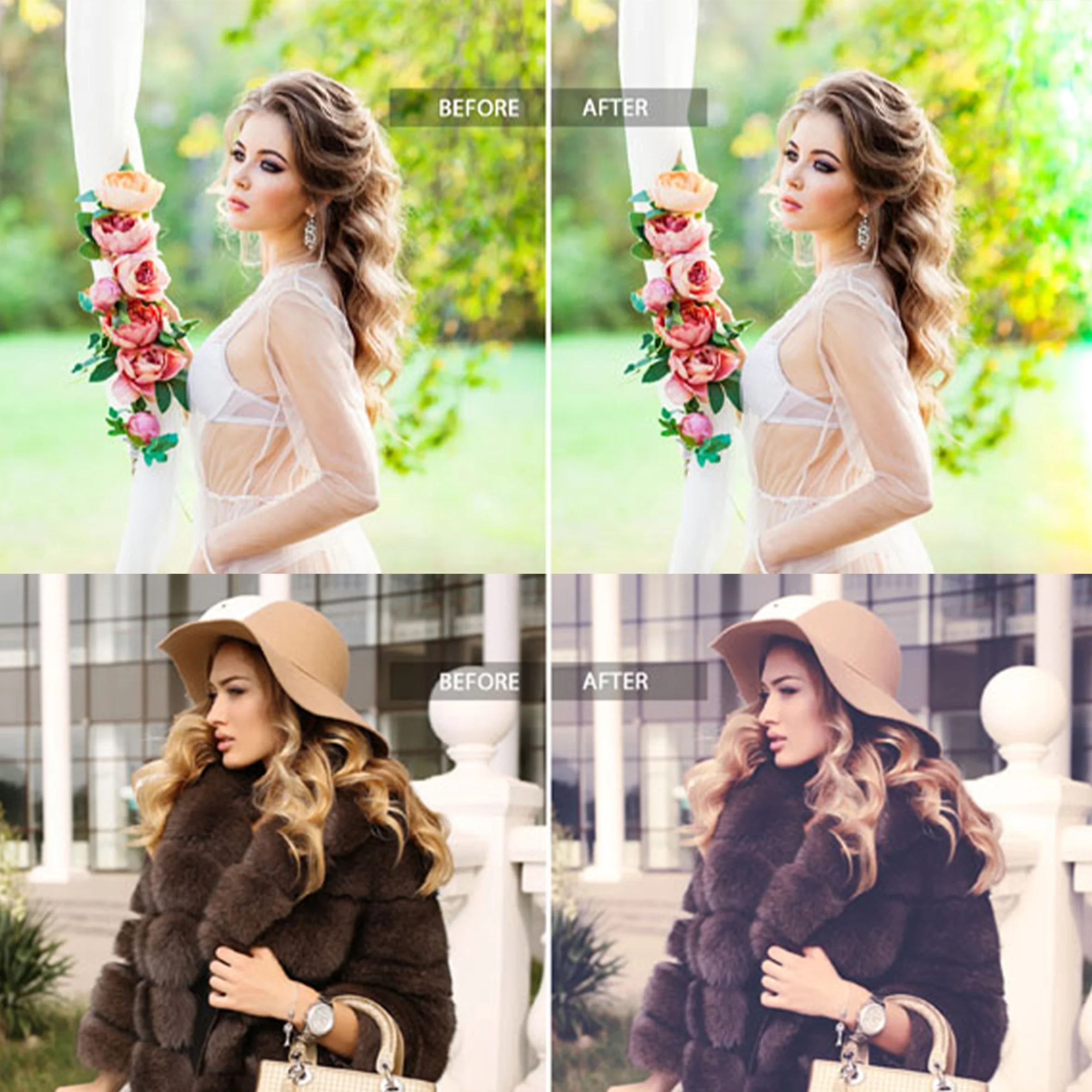 Image 3 of 12
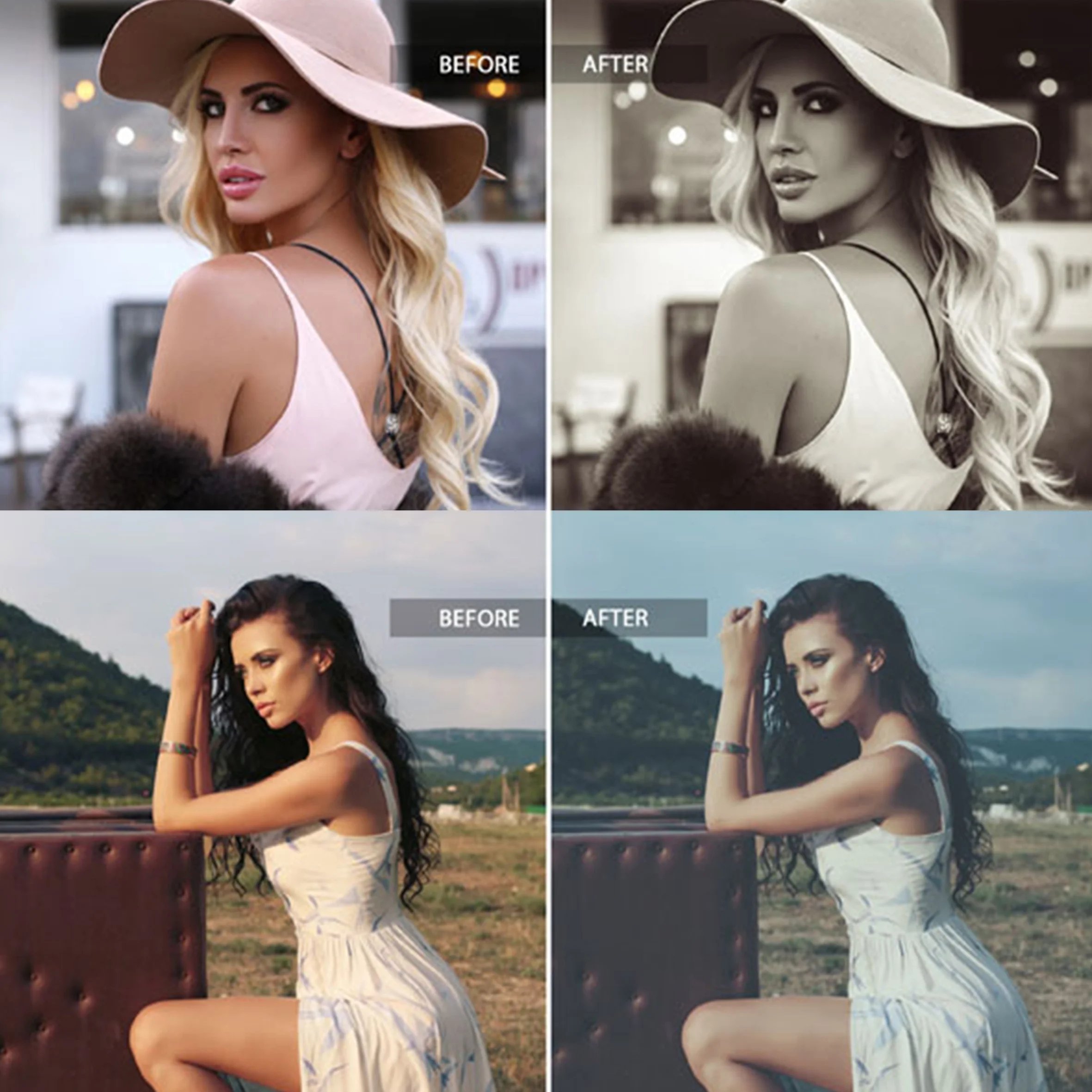 Image 4 of 12
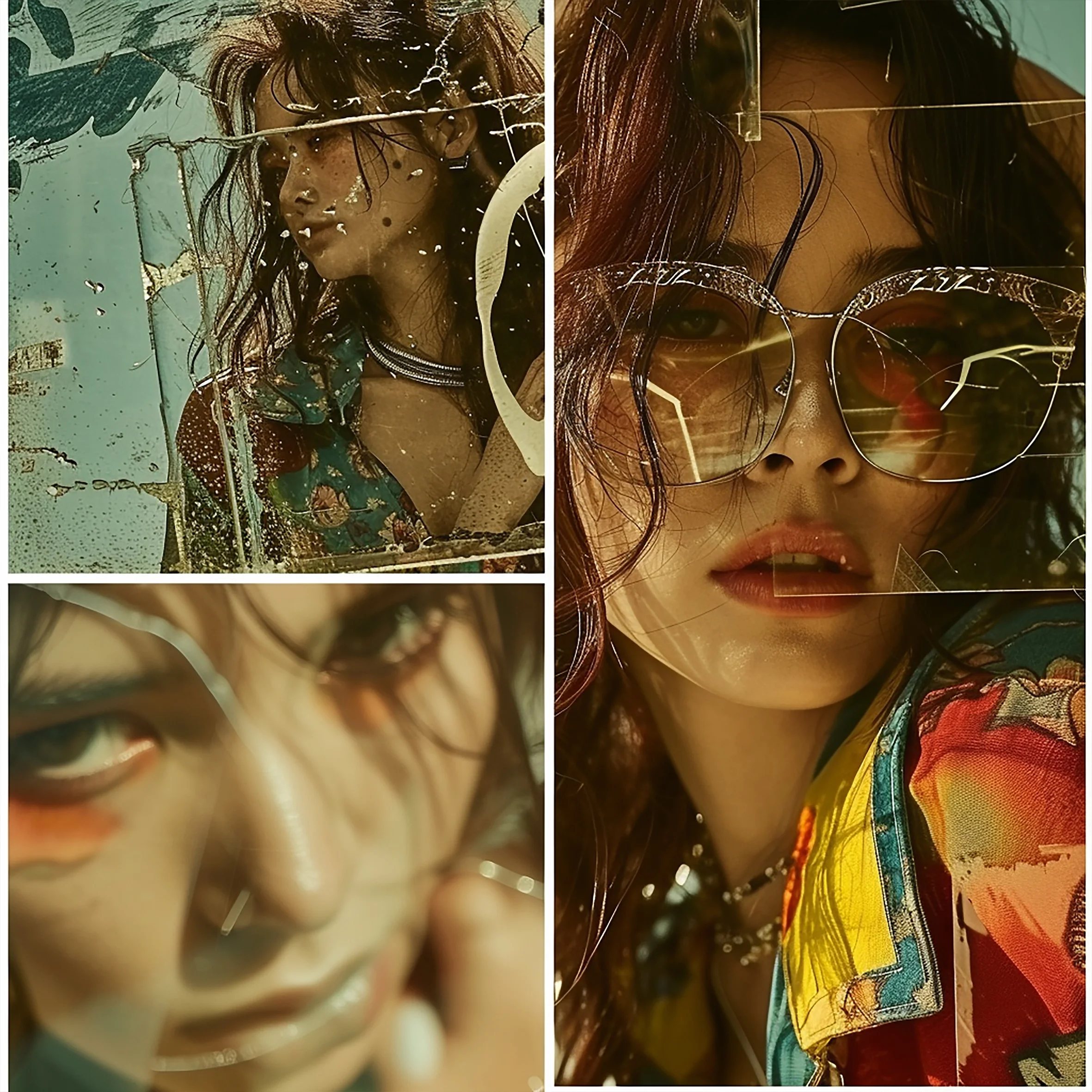 Image 5 of 12
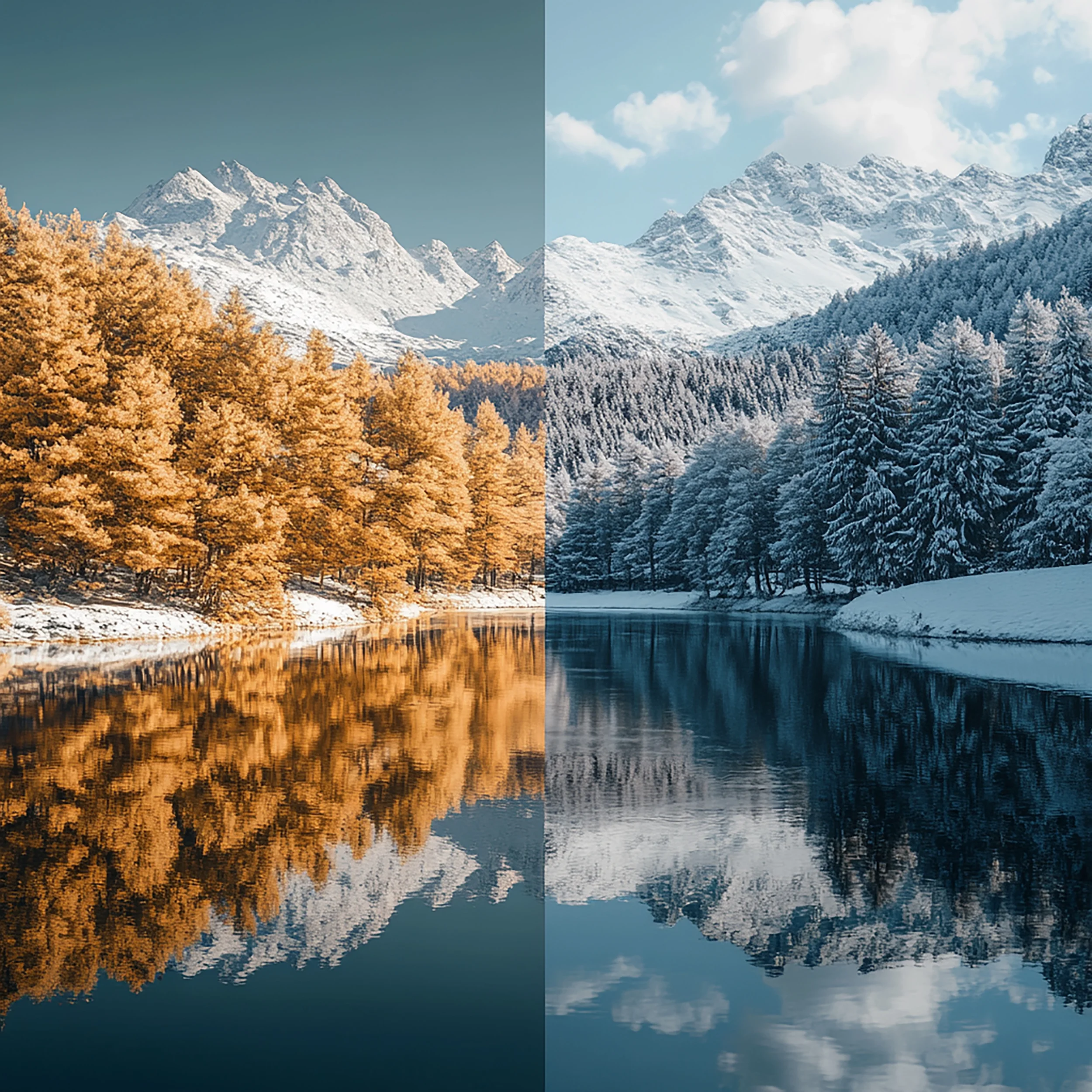 Image 6 of 12
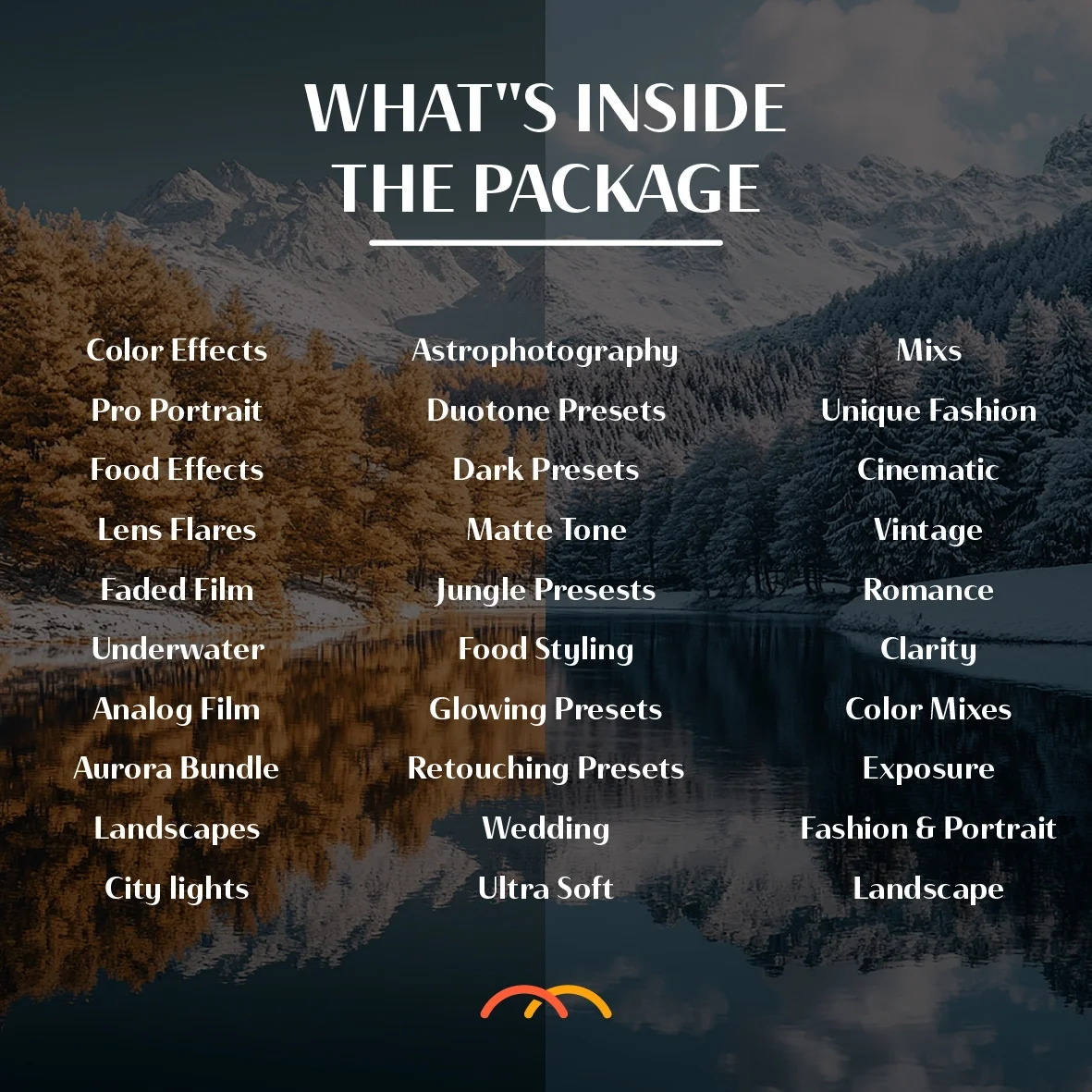 Image 7 of 12
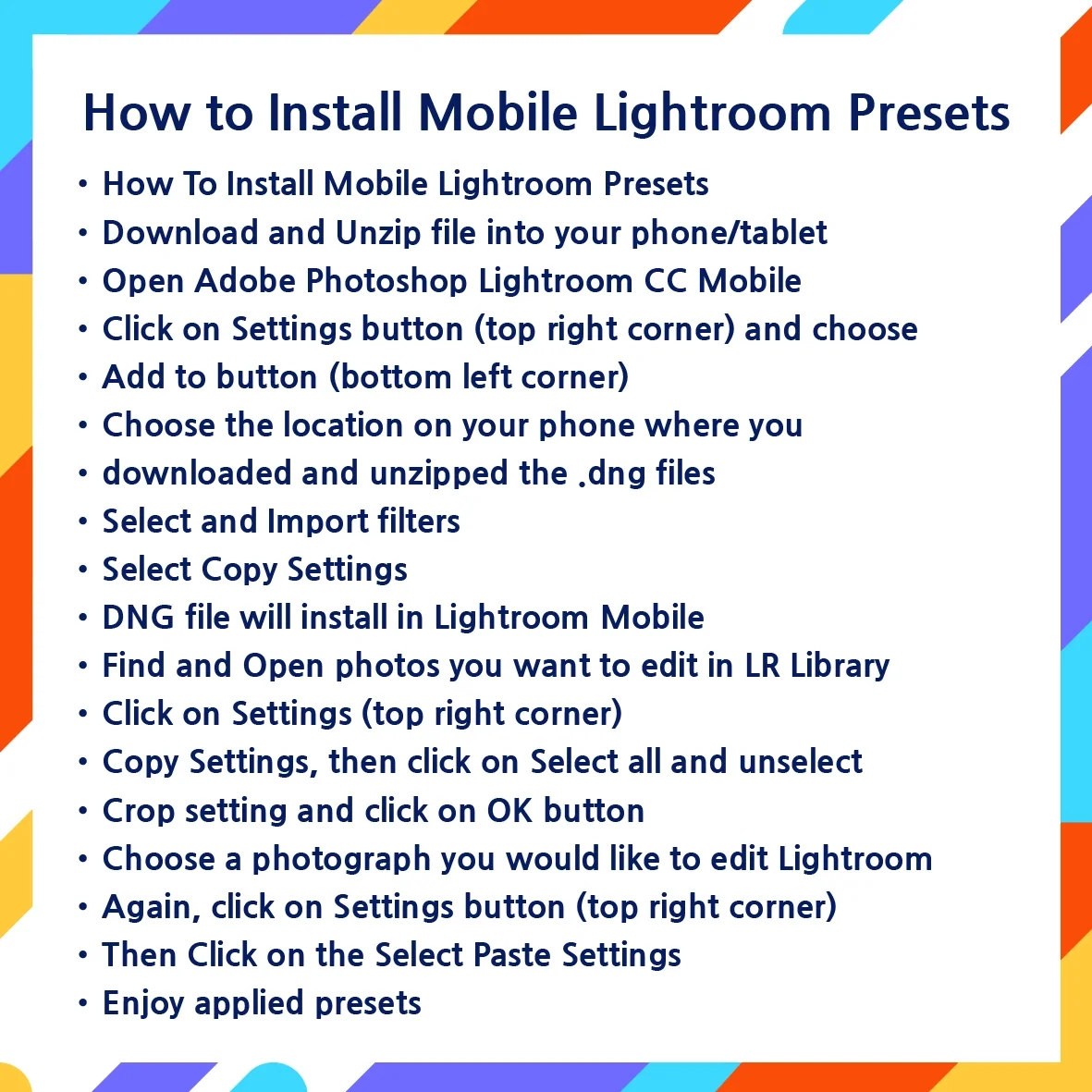 Image 8 of 12
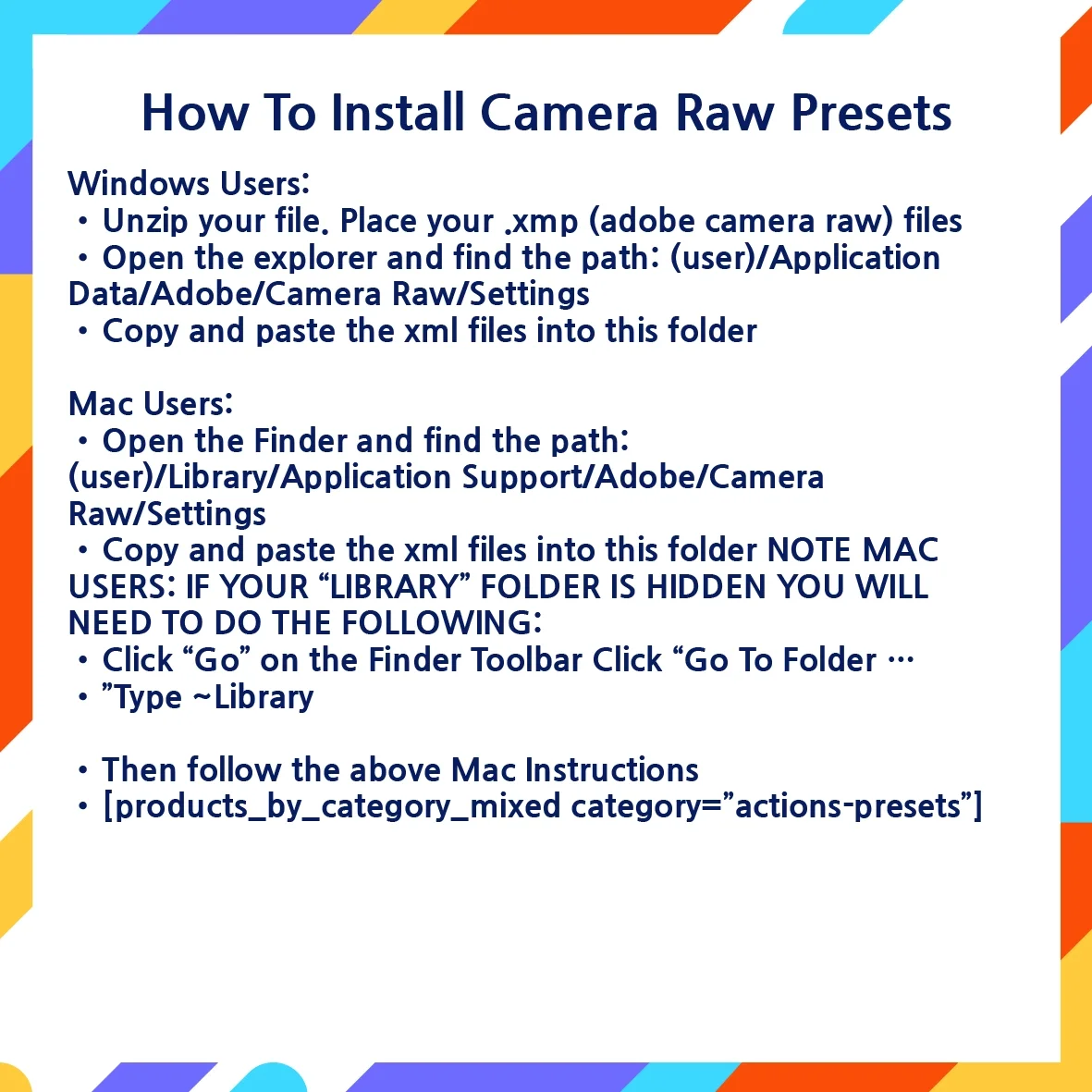 Image 9 of 12
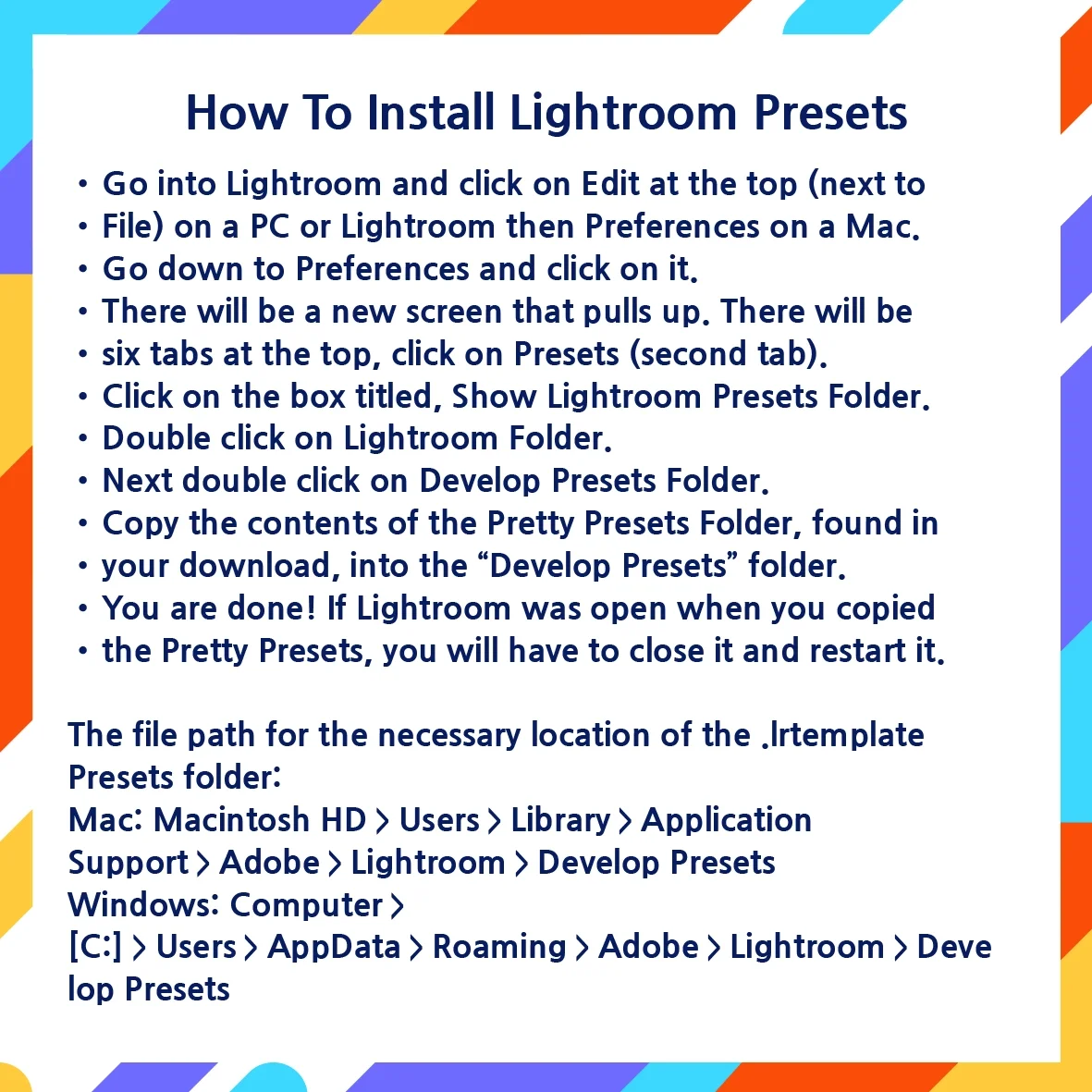 Image 10 of 12
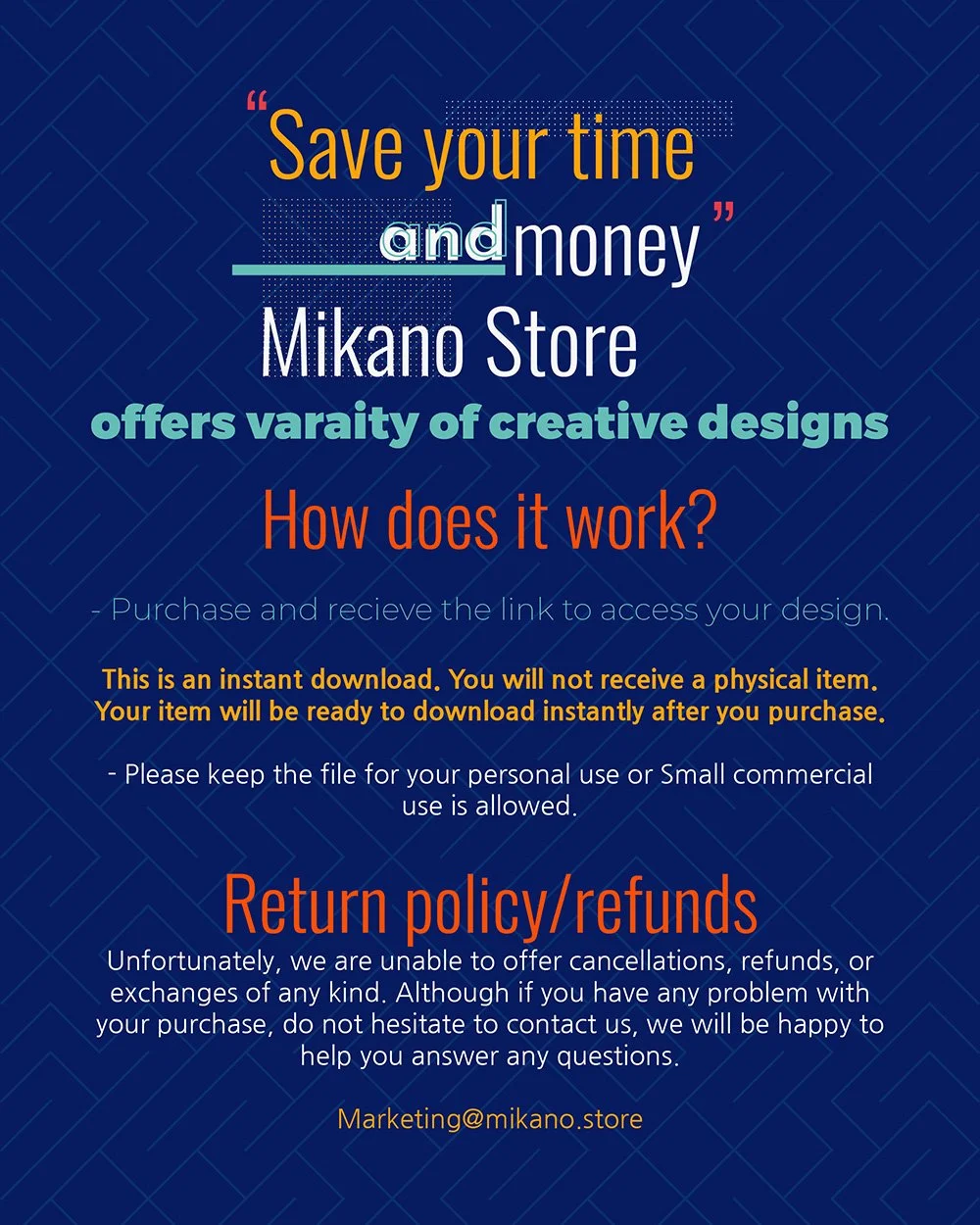 Image 11 of 12
 Image 12 of 12